The 10 Best Fortnite Wallpapers for PC and Mobile
Fortnite has become a gallery of game art through years of collaborations, seasonal key art, and iconic skin designs. This makes the game a great source of wallpapers for any device. Here are 10 of the best Fortnite wallpapers that you can get for free, including where to get them and how to set them on any device.
The Full Fortnite Wallpapers and Backgrounds Collection
# | Wallpaper Theme | Best Resolution | Vibe |
1 | Midas Golden Touch | 3840×2160 (4K) | Sleek, luxurious |
2 | Drift Lightning Storm | 2560×1440 (QHD) | Anime-inspired, electric |
3 | Godzilla × Fortnite | 3840×2160 (4K) | Cinematic, massive |
4 | Hatsune Miku Neon | 1920×1080+ | Vibrant, pop |
5 | Raven Dark Feather | 2560×1440 | Moody, gothic |
6 | The Foundation vs. Ice King | 3840×2160 (4K) | Rivalry, epic |
7 | Peely Paradise | 1920×1080+ | Fun, lighthearted |
8 | Chapter 7 Showdown Key Art | 3840×2160 (4K) | Seasonal, cinematic |
9 | Mortal Kombat Crossover | 2560×1440+ | Fighter energy |
10 | OG Battle Bus Sunset | 1920×1080+ | Nostalgic, warm |
Fortnite Skins That Make the Best Desktop Wallpapers
Midas Golden Touch
Even after all the years, this is still the game's most stylish OG character. This official Chapter 2 Season 2 art features gold dripping from Midas's hands and the Agency right behind him, making for a classic and clean wallpaper.
Drift Lightning Storm
This wallpaper is based on the Chapter 1 Season 5 skin that set a standard for future skins in the game. The best fan version is the Stage 5 form wrapped in crackling pink lightning under a dark sky.
You might also like
Godzilla x Fortnite
The release of a playable Godzilla, complete with Atomic Breath, shook the game in January 2025. The screenshots alone were wallpaper-worthy, but the artwork with a blue beam splitting the night sky over the island is just epic.
Hatsune Miku Neon
Based on one of 2025's most popular skins, this wallpaper is derived from that design and made for a hit wallpaper as well, becoming one of the most downloaded wallpapers, featuring a neon color palette that truly shines on OLED. There's also an animated version for Wallpaper Engine on Steam.
Raven Dark Feather
This is the game's original edgy skin and still holds up years later. It's dark but still clean enough to work as a wallpaper featuring glowing purple eyes against a black leather hood.
Creative Crossover and Game Art Wallpapers
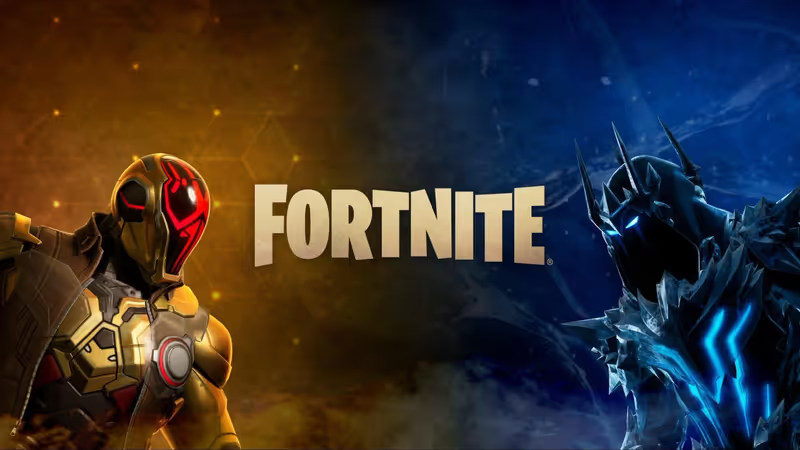
The Foundation vs. Ice King
The Chapter 7 Season 2 Showdown was launched on March 19, 2026. This wallpaper is based on the key art of the two characters squaring off, and is a popular choice for dual monitor setups, splitting the wallpaper across two screens.
Peely Paradise
Peely has come to symbolize the game, and this wallpaper is a popular light-hearted pick, especially on mobile. Bright yellow works especially well on a mobile screen.
Chapter 7 Showdown Key Art
This wallpaper features the full battle pass roster, including Bugs Bunny in a Tune Squad jersey. Wallpapers.com is the best source, with over 800 Fortnite wallpapers free to download.
Mortal Kombat Crossover
Scorpion and Sub-Zero's rivalry transcended the boundary of their own game and spilled over to Fortnite to great effect, and this Chapter 6 Season 2 collaboration art hit really hard, in a good way. This wallpaper is especially great for players of both Fortnite and the MK series.
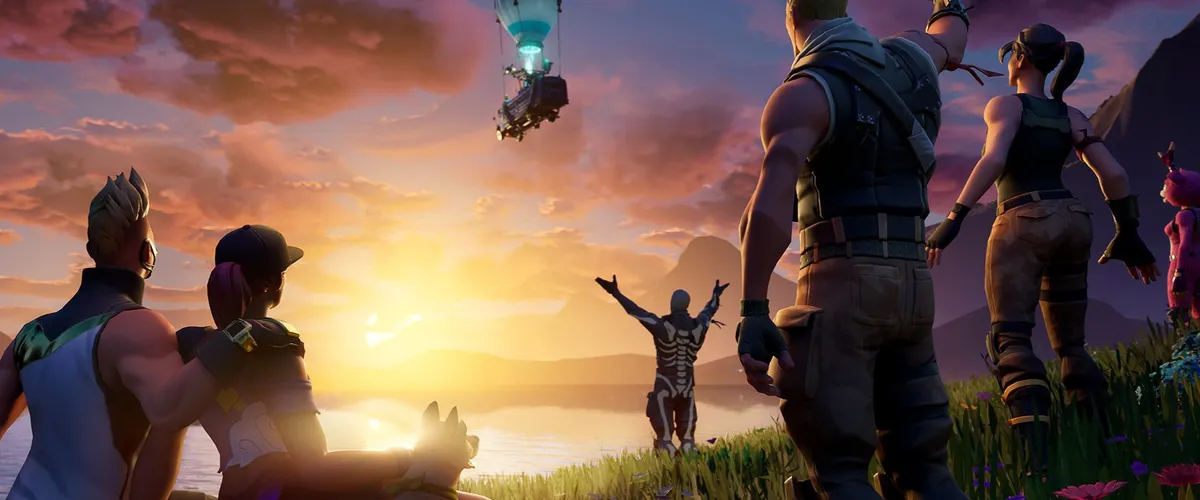
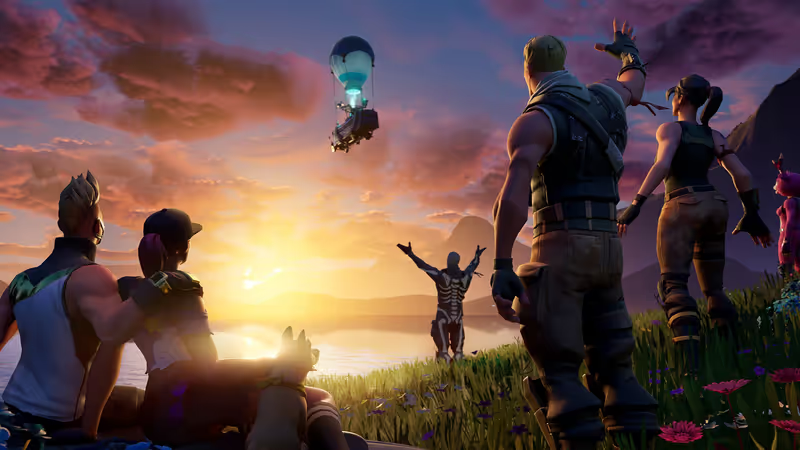
OG Battle Bus Sunset
This simple image features the classic Battle Bus against a golden sky that captures the game's classic feel. A cool nostalgia pick that plays nicely with icons.
Where to Download Free Fortnite Wallpapers in 4K and HD
The best sources for great Fortnite wallpapers don't necessarily cost anything. But it's better to get the highest resolution available since a higher resolution scales down to lower ones just fine, such as 4K to 1080, but that doesn't apply when scaling up instead.
Here are the best places to download Fortnite wallpapers for free.
●Alpha Coders has 354+ wallpaper images from 4K to 8K Ultra HD.
●Wallpapers Den offers 1,200+ images with different resolutions for both desktop and mobile.
●Wallpaper Cave hosts a community-driven collection with a huge selection of 4K gaming wallpapers.
●MotionBGs hosts live wallpapers with animated backgrounds.
Setting Up Your Fortnite Wallpaper on PC and Mobile
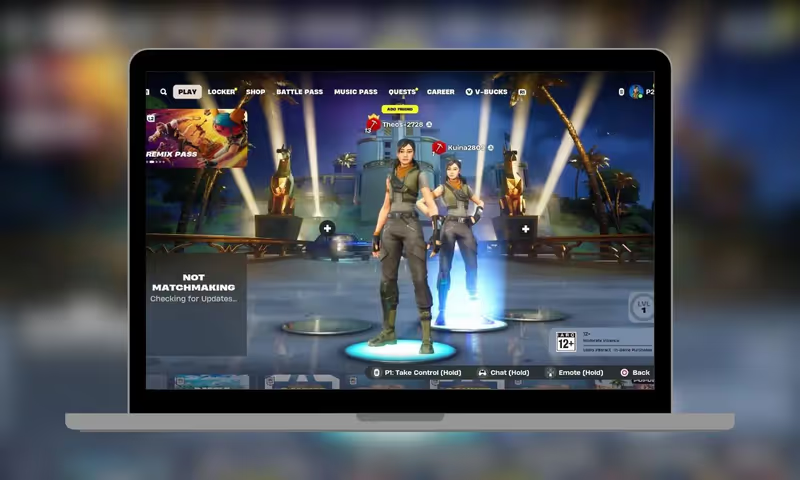
On Windows
Right-click on the image you want to set as wallpaper, then select “Set as desktop background”. You can also apply a rotating slideshow of chosen images, go to Settings > Personalization > Background, then select a folder. If you want a live wallpaper instead, you'll need Wallpaper Engine, which costs about $4 on Steam.
For iPhone
Save the image to Photos and go to Settings > Wallpaper > Add New Wallpaper. On iOS 16 or later, there's a depth effect option that's recommended to use because of how effective it is at making Fortnite characters pop.
With Android
Long-press your home screen and tap “Wallpaper & Style”, then choose the image to set as background from your gallery. Adjust the image cropping to set the right focal point right below your status bar and above the dock.
One final tip is to use portrait images for phones and landscape images for computer desktops to ensure the image is properly visible. You'll be seeing this a lot, so it makes sense to ensure that it looks good every time.
And if you're finding yourself jumping back to the game after setting the wallpaper, check out Fortnite accounts on igitems. You can also get V-Bucks to unlock the latest battle pass.