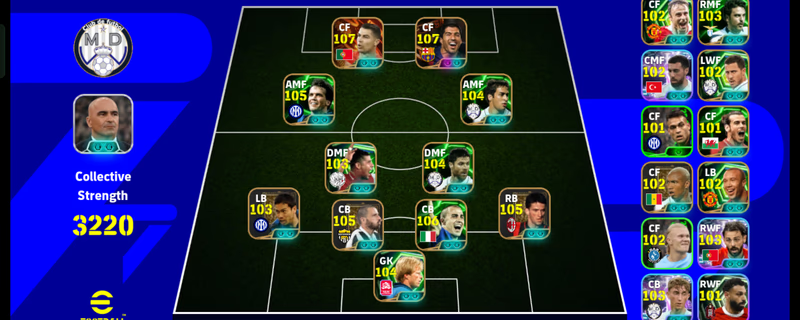
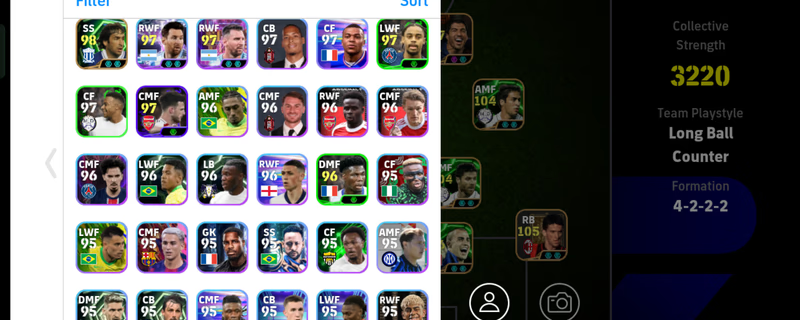
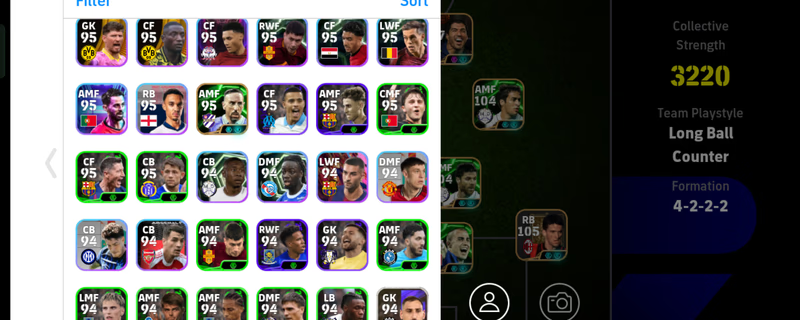
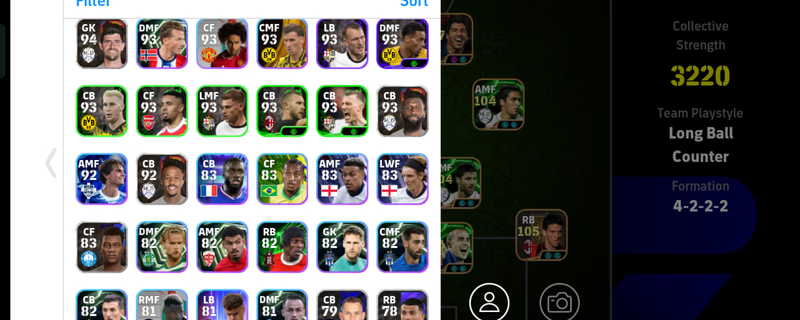
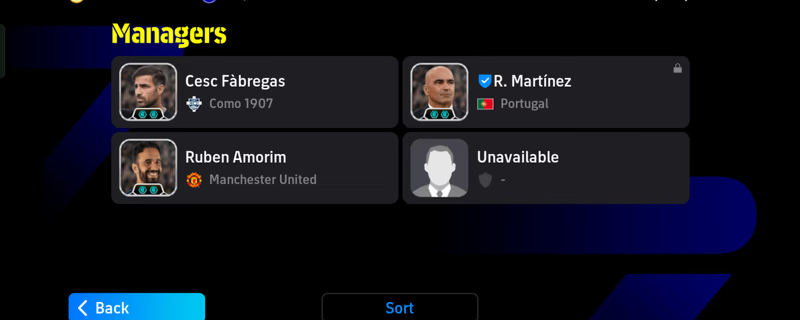
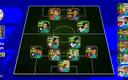
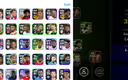
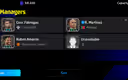
NOTE: After a successful order, you will receive a Gmail address and password for the Konami account. You can change it and link the account to your own Gmail.
If you don't know how to change the Konami account Gmail, please contact the seller—he will guide you step by step.
Step 1: First, log in to the eFootball app using the email and password provided by the seller.
Step 2: After logging in, check if your account matches the one you ordered. Then open any browser on your mobile and enter Konami's official website. Log in using the email and password provided by the seller.
Step 3: Personal Information → Email Address → OTP (From Seller) → Enter Your Gmail Address → OTP (From Your Mailbox)